The lab, 03
The drive viewer
Every drive's page on Find a Drive opens with the route drawn on a contour map of the land it crosses. Once it's on screen, it drives itself, stop by stop. Then you can follow it along its height profile, open it full screen to look round the hills in 3D, or fly the road.
- Made for
- Find a Drive, our app for finding and planning great drives
- When
- October 2026
- Made with
- Our own contour maps and map, SVG drawings, and MapLibre, an open-source map library
Drawn from the land

The map is drawn on our server, from our own height data. The height between its contour lines is the smallest of 5, 10, 20, 25, 50, 100 or 200 metres that keeps it to 28 lines, so a drive across the fells and one across the fens look as busy as each other. Every fifth line is heavier, and water is hatched.
In dark mode, the map is turned negative by a filter that flips its lightness and keeps its hues, so the sea stays the sea. A drive a member has planned themselves is drawn on a map washed in their own colour, the one they chose for their card.
It drives itself

It starts once nearly half of it is on screen, and takes seven seconds, plus a little for every mile, never less than nine seconds or more than twenty. Each step of the animation goes straight to the drawing, and the rest of the page, built with React, only hears about it when a stop lights up, so nothing else is redrawn as it plays. And there's a button to drive it again.
Look along it, look round it, fly it


- Look along it
- Hover or tap within 44 pixels of the road, or drag along the height profile, the chart of the road's height under the map, and it reads out how far along you are, how high, and what's next. Under the profile, a strip is hatched most densely where the road twists most.
- Look round it
- Full screen, the same drive on our own map in 3D, tilted to 60° with the hills raised half as high again, since Britain's are modest. The route draws itself in, like a pen.
- Fly it
- The camera flies a line of its own, the road averaged over the distance it covers in 0.6 of a second, so it sweeps through a run of bends instead of being thrown about by them.
- Jump along it
- Drag along the profile and the camera glides there, easing in and out rather than cutting, and rising as it goes: a jump a third of the way along a 174-mile drive climbs out to see where it's going, then comes back down.
Try it on Find a Drive, on the drive above.
Private by construction
Members can hide where a drive starts and ends, so a drive doesn't lead anyone to their door. The viewer is only ever given the public version of a drive, with those ends already cut off, and the map is drawn afresh from that public route every time it's asked for. The hidden ends simply aren't there, and nothing shows they've gone.
For everyone
And it works however you use the web.
- Read aloud
- Screen readers announce the map as a picture, with the drive's title and what it's about.
- By keyboard
- The full-screen profile is a slider that reads out distance, height and the next stop; the arrow keys move a hundredth of the drive at a time, and Home and End go to either end.
- Kept still
- If your device asks for less motion, nothing plays by itself and there's no flying: dragging along the profile moves a marker instead of the camera.
More from the lab
Everything in the lab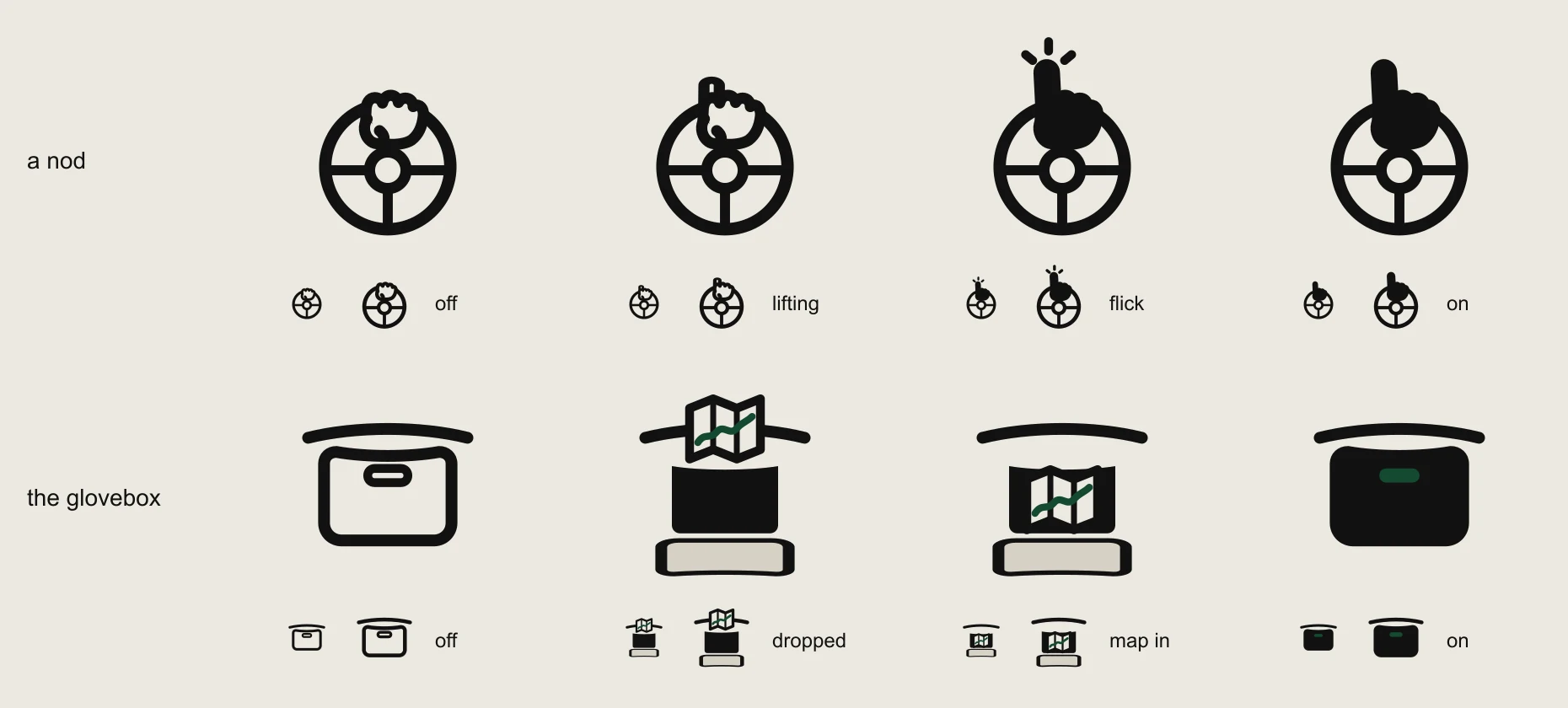
04, for Find a Drive
A nod and the glovebox
Find a Drive's buttons for liking a drive and keeping it for later, drawn from what drivers already do: a finger lifted off the wheel, and a map in the glovebox.
Read it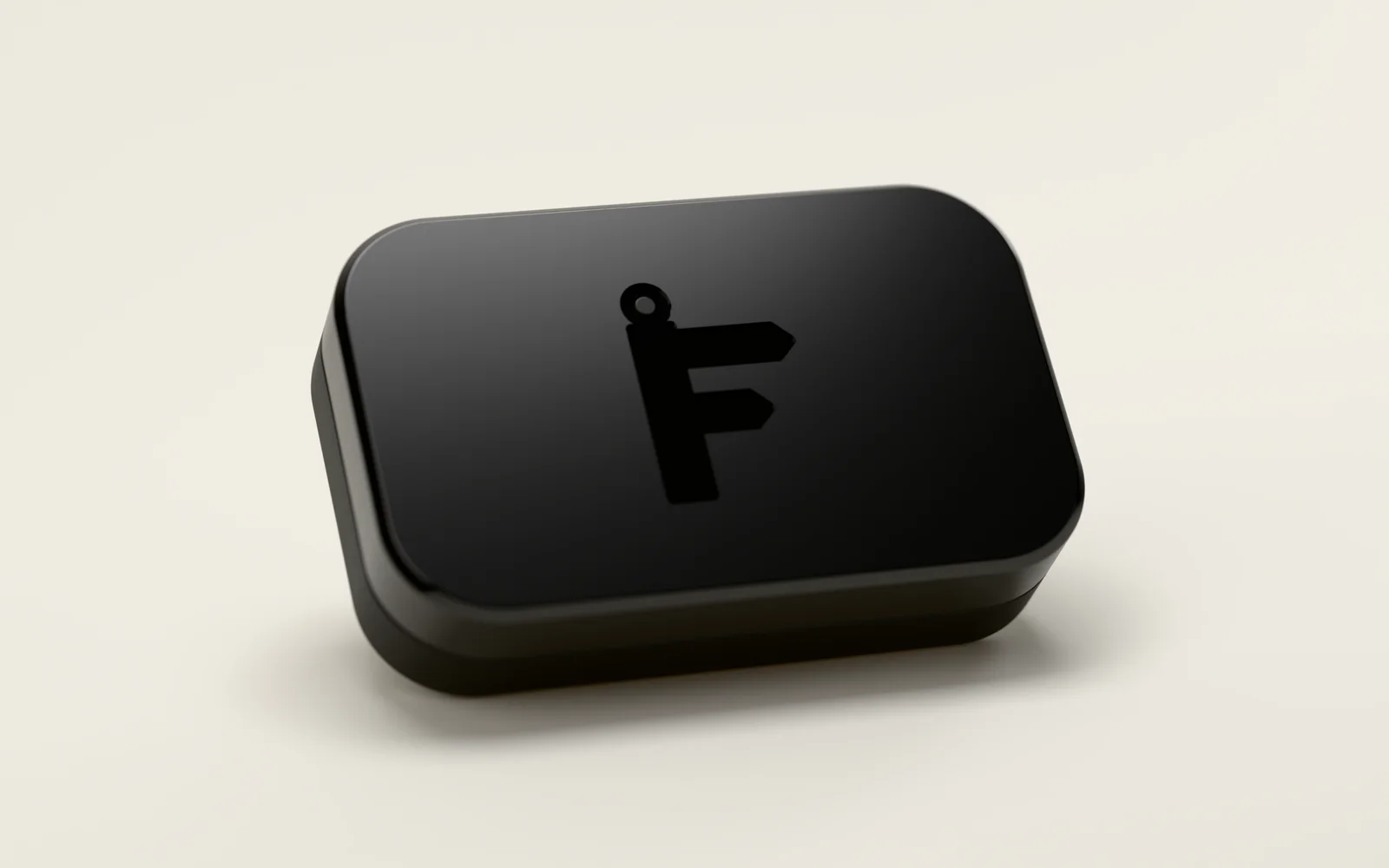
05, for Find a Drive
The Logbook
An idea for a small device that plugs into a car and records every drive, rendered as if it had been made: a ceramic lid, Find a Drive's F pressed into it, and a ring that lights in its owner's colour.
Read it


Contact
Talk through your project.
Tell us what you'd like to build, or what's getting in the way. A few lines is plenty to start with, and the first conversation is free.